Keep Customers Relaxed in Your Lounge With a Clean Live TV Board
Show live bay, washing, and ready status on your lobby TV — keeping customers out of hazardous bays while making your workshop look five-star.
Opening the Waiting-Room Live TV view on any smart TV displays number plates, current stage (Checked In, In Bay, Quality Check, Ready), and estimated handoff time automatically — without exposing private customer phone numbers or prices.
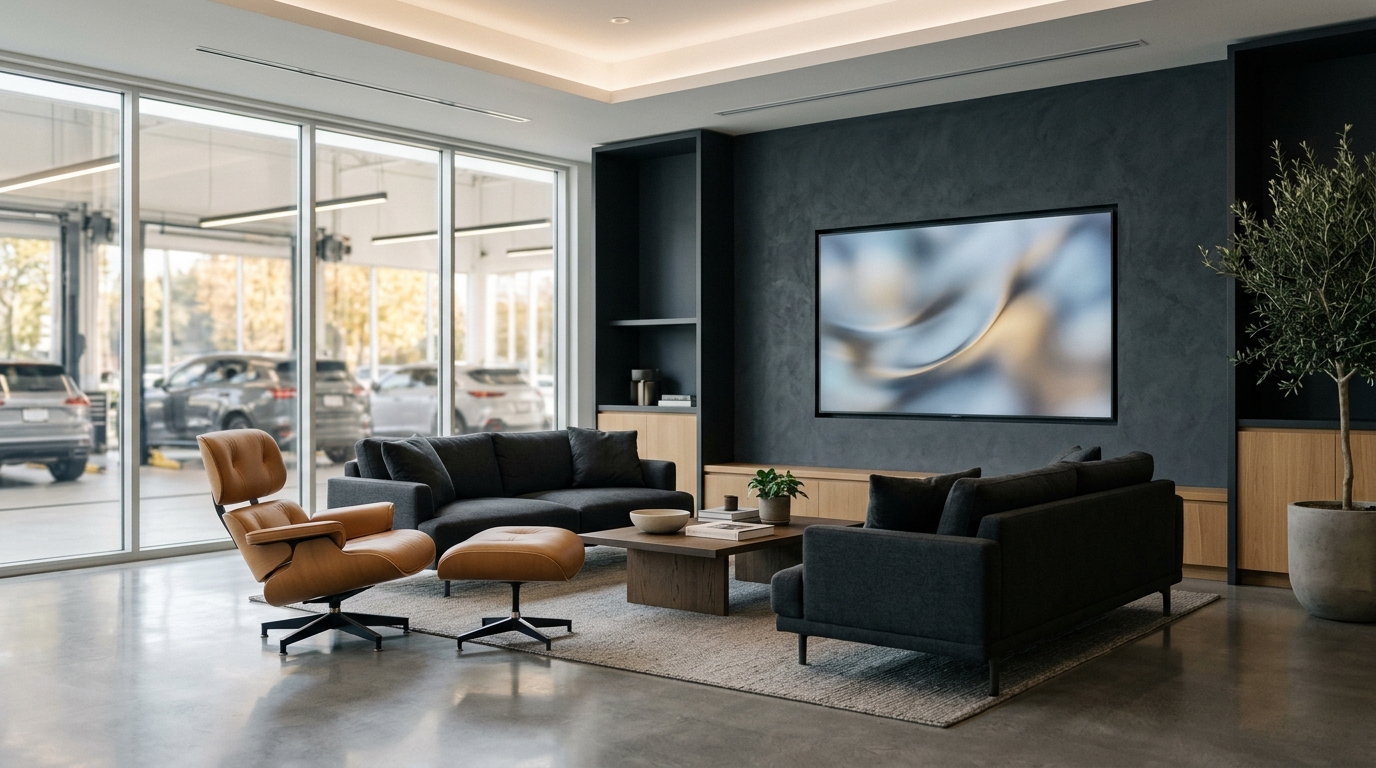
See the Everyday Difference on Your Shop Floor
Open TV Page Once
Open the dedicated TV monitor page on your lounge smart TV browser.
Syncs Live With Bays
As advisors move jobs forward on tablets, the TV refreshes automatically.
Highlights Ready Cars
Completed vehicles highlight cleanly under 'Ready for Pickup' so owners head straight to the counter.
Straightforward Answers Before You Start
Written in everyday language for owners, advisors, and mechanics.
Yes! Stage labels and headings support English and Sinhala so everyone waiting in your lounge reads the board comfortably.