
QR Phone Photo Proof

Snap Inspection & Scratch Photos With Any Phone — Zero Extra Tablets

Show a quick QR code from the desktop screen, scan it with your phone camera, and snap walk-around scratches, old parts, or fluid leaks directly into the job card.

Quick Answer: How does QR Mobile Capture work?

Advisors click 'Add Photos' on the computer, scan the temporary QR code with any phone browser, take photos of scratches or worn parts, and see them appear on the job card instantly without installing an app or mixing personal galleries.

Cladik Workshop
QR Phone Photo Proof
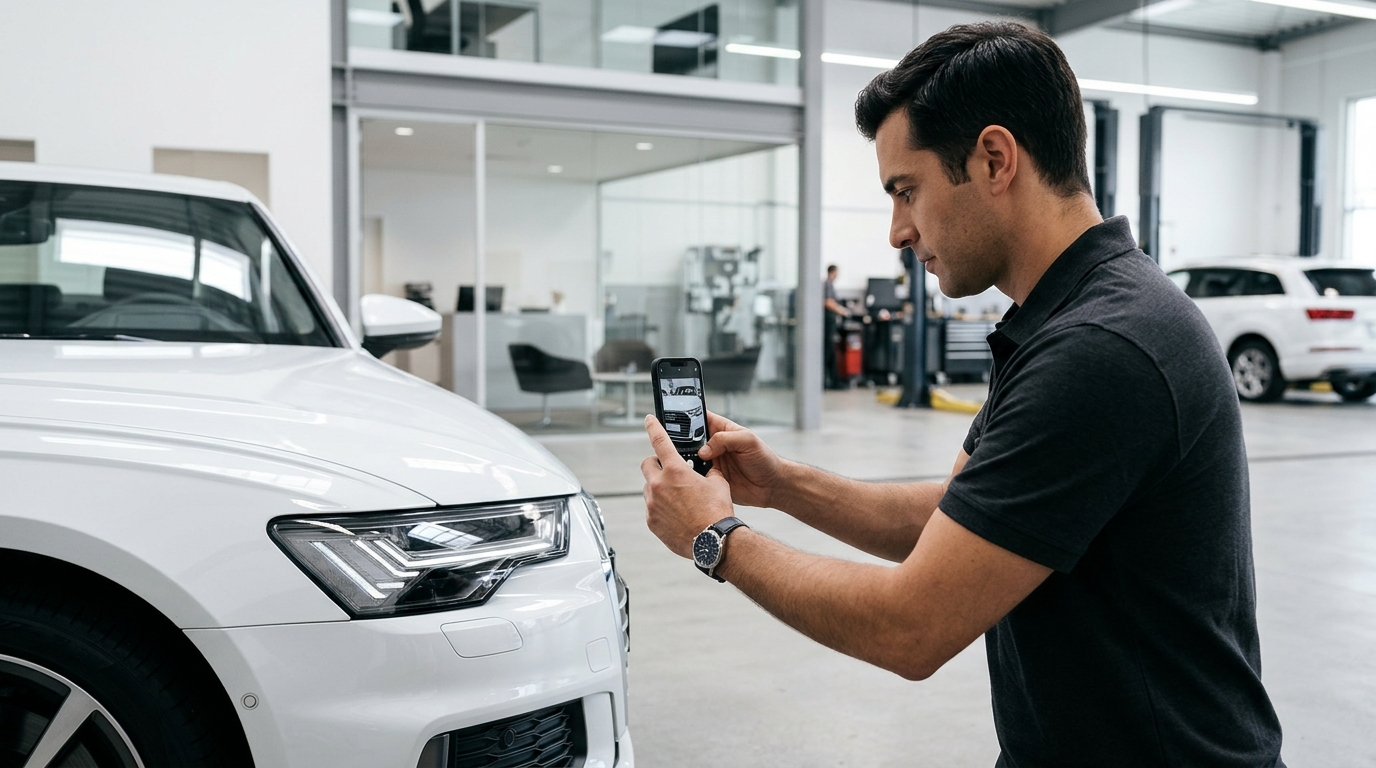
Service advisor taking clean vehicle walk-around inspection photos on a smartphone in the bay
Works Offline
English & සිංහල
Straight Answer

Do mechanics need to log in on their personal WhatsApp to send inspection photos to the office?

No. QR Mobile Capture opens a secure one-time upload page straight from the phone camera and stores all images neatly inside the workshop's private cloud library.

Everyday Shop-Floor Problem Solved

Drivers blame workshops for pre-existing dents at pickup, or photos get lost inside personal WhatsApp chats and staff phones.

At a Glance

Device needed
Any staff smartphone camera (no app needed)
Use cases
Arrival dents, odometer, worn parts, after-polish
Privacy & safety
Workshop-isolated signed media library
Built For Every Role in Your Workshop

How Everyone Benefits on a Busy Day

Workshop Owner

Protected from false body-damage claims and has clean visual records.

Service Advisor

Doesn't waste 15 minutes forwarding WhatsApp photos onto a desktop.

Mechanic

Snaps a broken bush or dirty filter in 5 seconds so customers trust the diagnosis.

Vehicle Owner

Sees visual before-and-after proof instead of taking anyone's word blindly.

Old Paper Way vs. Cladik Workshop

See the Everyday Difference on Your Shop Floor

Pre-Existing Scratches
He-said-she-said arguments at pickup over a bumper scuff that was already there.
Timestamped arrival photos shut down misunderstandings politely in seconds.
Finding Old Photos
Scrolling through 500 personal WhatsApp messages looking for last month's car photo.
Every photo sits cleanly inside that exact vehicle and job card forever.
How It Works in 3 Steps
Step 1

Open QR Scan on Any Job Card

Click 'Capture With Phone' at reception or beside the bay.

Step 2

Scan & Snap With Any Phone

Take clear exterior, dashboard mileage, or under-lift problem photos.

Step 3

Attached Instantly to Vehicle History

Photos appear right away for approval requests and permanent vehicle records.