
POS Billing & Parts Stock

Fast Counter Checkout That Deducts Every Filter & Liter Automatically

Walk-in over-the-counter part sales and full job-card invoices live together in one fast POS—backed by low-stock alerts, purchase tracking, and instant digital invoice links.

Quick Answer: How do Cladik POS Billing & Inventory stay in sync?

Whenever a mechanic or cashier adds oil, brake pads, or filters to a job card or walk-in POS sale, store inventory adjusts automatically, low-stock alerts fire before shelves hit zero, and a clean print or shareable digital invoice is issued in seconds.

Cladik Workshop
POS Billing & Parts Stock
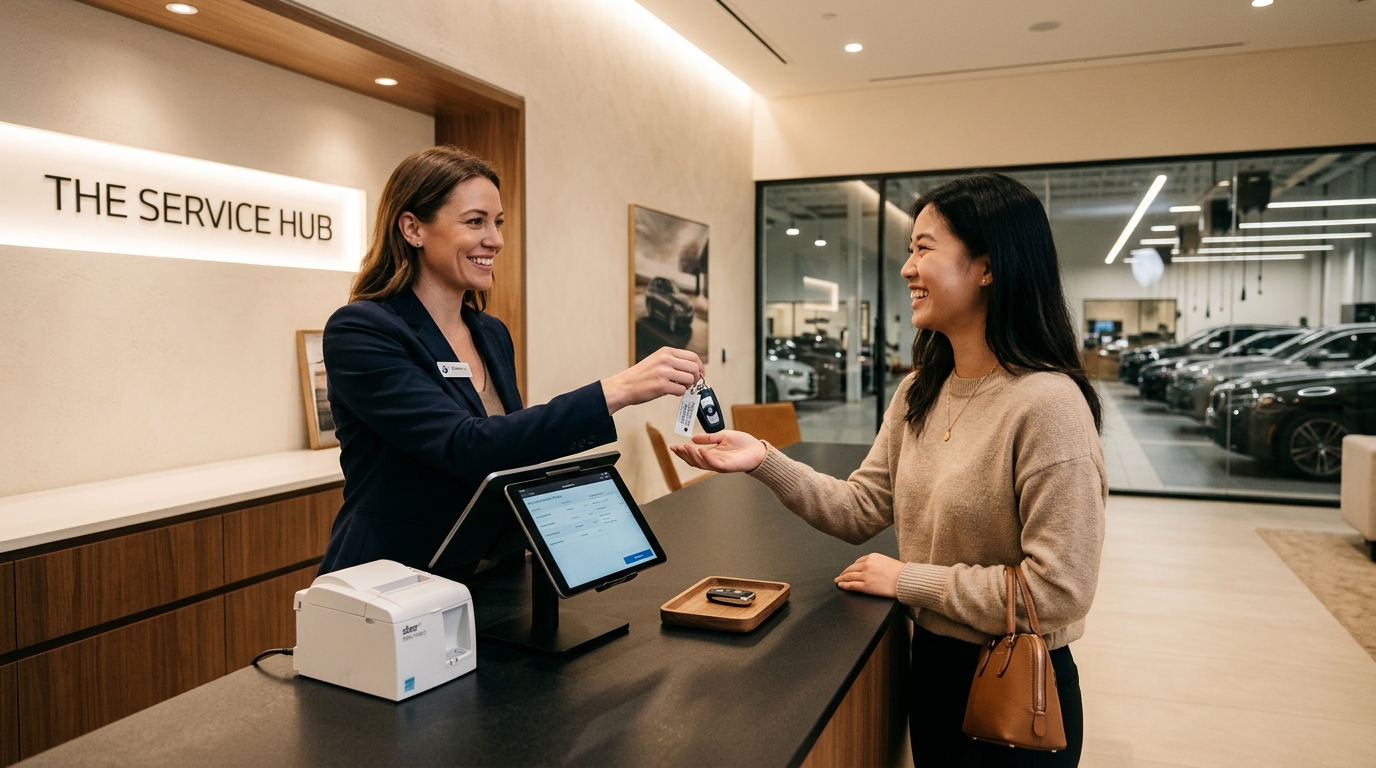
Modern workshop checkout counter with billing tablet, thermal printer, and customer key handoff
Works Offline
English & සිංහල
Straight Answer

Can customers view and download their workshop invoice without installing an app?

Yes. Every closed invoice generates a clean, workshop-branded share link so customers can inspect itemized labor, parts, and totals right from their mobile browser or print counter receipts.

Everyday Shop-Floor Problem Solved

Counter staff make calculator errors under rush-hour pressure, and owners only realize fast-moving oil filters ran out when a car is already on the lift.

At a Glance

Billing types
Job card invoices, estimates & walk-in POS
Inventory control
Auto deduct, stock receive, supplier & valuation reports
Customer receipts
English / Sinhala print + shareable digital link
Built For Every Role in Your Workshop

How Everyone Benefits on a Busy Day

Workshop Owner

Spots stock leaks, margin per job, and daily cash vs. card revenue cleanly.

Service Advisor / Cashier

Closes pickup queues in seconds—every line item is already waiting on the invoice.

Inventory Manager

Gets early low-stock warnings before common filters or synthetic oils run empty.

Vehicle Owner

Receives a clear, itemized bill they trust and never loses.

Old Paper Way vs. Cladik Workshop

See the Everyday Difference on Your Shop Floor

Out-of-Stock Surprises
A runner has to rush out on a motorbike to buy one oil filter while a lift waits.
Low-stock alerts notify your storekeeper days before shelf stock hits zero.
Counter Checkout Time
Adding labor, oil liters, and taxes by hand on a calculator while three customers wait.
1-click bill finalization calculates totals, discounts, and digital receipts instantly.
How It Works in 3 Steps
Step 1

Receive Stock & Set Low Alerts

Load suppliers, buy/sell prices, and minimum shelf counts into Parts Inventory.

Step 2

Issue Parts to Jobs or Walk-In POS

Every part issued updates live bay cost and reduces remaining store balance.

Step 3

Print & Share Digital Invoice

Accept cash, card, or bank transfer and send the digital invoice copy automatically.

Questions & Answers

Straightforward Answers Before You Start

Written in everyday language for owners, advisors, and mechanics.

Yes! Our Counter POS screen handles quick walk-in spare part or accessory sales in seconds and updates the exact same parts inventory.