Live TV + Offline Safety
A Calm Waiting-Room TV Screen — Plus Zero Downtime When Wi-Fi Drops
Show waiting customers live progress on your lounge TV without showing private costs, and keep working smoothly offline.
Quick Answer: What does the Waiting-Room TV show?
It displays each vehicle's number plate, bay status (Checked In, In Bay, Washing, or Ready for Pickup), and estimated completion time in clean typography so waiting customers feel informed and relaxed.
Cladik Workshop
Live TV + Offline Safety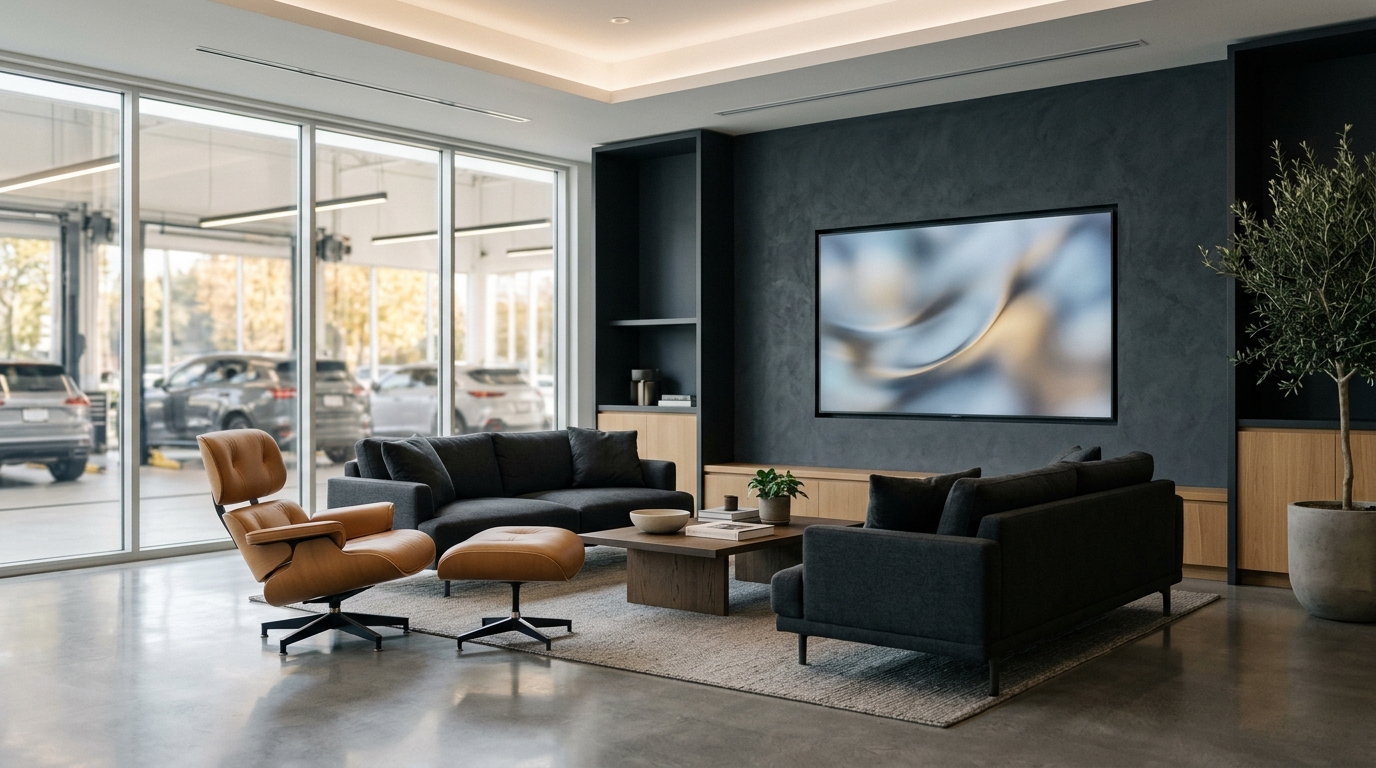
Works Offline
English & සිංහල
Old Paper Way vs. Cladik Workshop
See the Everyday Difference on Your Shop Floor
Customer Anxiety
Customers walk into oily service bays to see if anyone is working on their car.
Clean lounge TV board shows live bay status safely from the waiting room.
Poor Signal Areas
Cloud-only apps freeze with loading spinners whenever 4G or fiber slows down.
Offline-first design saves locally and syncs automatically when signal returns.
How It Works in 3 Steps
Step 01
Open TV Link
Open the waiting-room screen in your smart TV browser or HDMI display.
Step 02
Updates Automatically
Whenever advisors change a job card stage, the lounge screen updates right away.
Step 03
Safe Offline Backup
Continue creating job cards and bills offline if your router resets.
Questions & Answers
Straightforward Answers Before You Start
Written in everyday language for owners, advisors, and mechanics.
No — any regular Smart TV with a web browser, or an old monitor with an Android TV box or laptop, works cleanly.