Waiting-Room Live TV

Give Waiting Customers Peace of Mind on Your Lounge TV

Mirror live vehicle stages—Checked In, In Bay, Washing, and Ready for Pickup—onto any smart TV or lounge monitor while keeping bills and phone numbers completely private.

Quick Answer: What appears on the Waiting-Room Live TV?

It displays each active vehicle's number plate, current bay stage (Checked In, In Bay, Washing, Quality Check, or Ready), and estimated ready time in clean typography—hiding private customer names, phone numbers, and prices.

Cladik Workshop
Waiting-Room Live TV
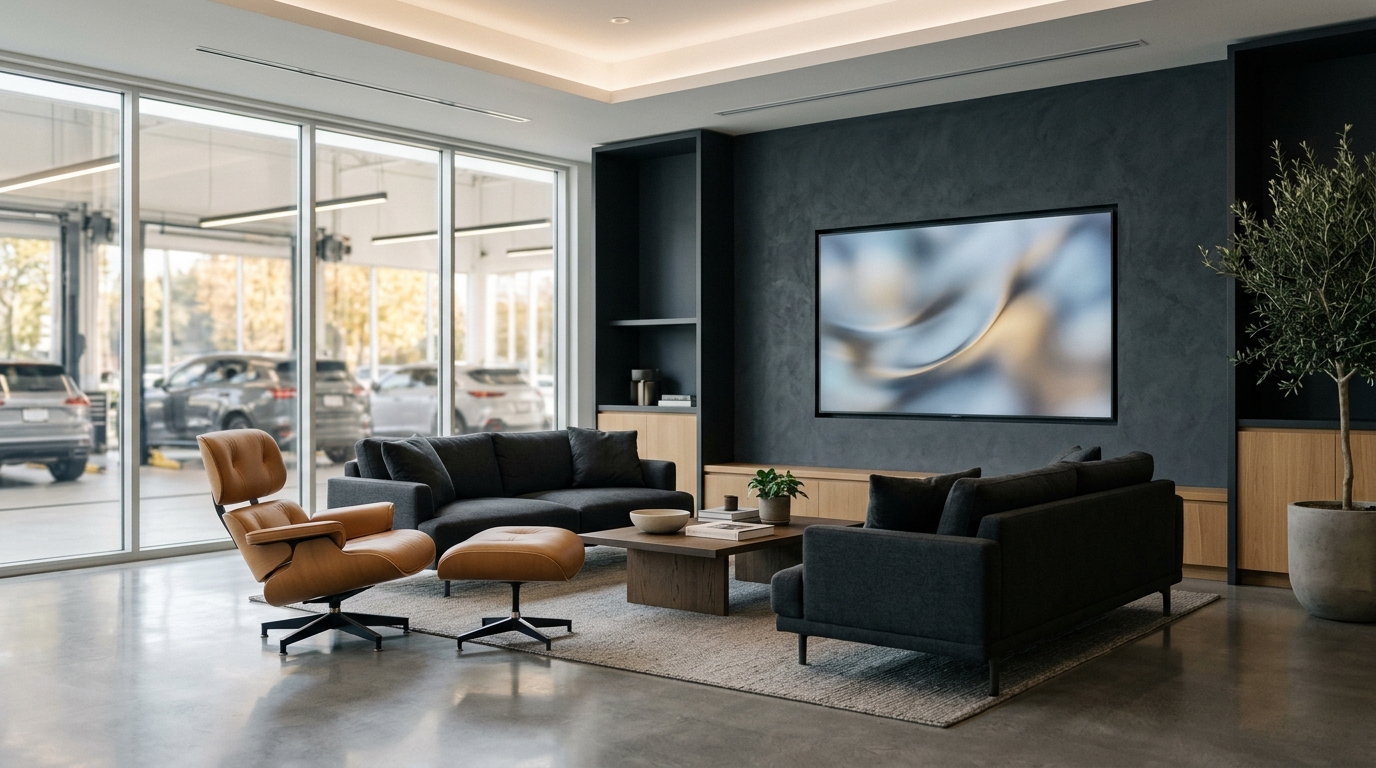
Clean customer waiting lounge showing live workshop progress on a wall TV
Works Offline
English & සිංහල
Straight Answer

Does the Waiting-Room TV update automatically without someone refreshing the browser?

Yes. As soon as an advisor or mechanic taps a vehicle's status in the bay, the Waiting-Room TV updates instantly in real time via a live connection.

Everyday Shop-Floor Problem Solved

Waiting drivers pace around the workshop floor asking mechanics every 15 minutes how much longer their car will take.

At a Glance

Screen needed
Any Smart TV, TV stick, or HDMI monitor
Privacy lock
Hides customer phones, bills & internal notes
Update speed
Instant live updates—no F5 refresh
Built For Every Role in Your Workshop

How Everyone Benefits on a Busy Day

Workshop Owner

Gives the waiting lounge a clean, modern dealership feel at zero hardware cost.

Service Advisor

Stops interruptions at the reception desk from impatient waiting customers.

Mechanic

Works safely without customers standing right under vehicle lifts.

Vehicle Owner

Relaxes with coffee knowing exactly when their vehicle reaches Washing or Ready.

Old Paper Way vs. Cladik Workshop

See the Everyday Difference on Your Shop Floor

Waiting Lounge Mood
Bored customers walk onto the greasy bay floor or hover behind the reception counter.
Everyone comfortably watches their plate move from Bay to Ready on screen.
Customer Privacy
Open whiteboards or counter monitors accidentally expose other people's names and bill totals.
The public TV board only displays plates, bays, stages, and estimated ready times.
How It Works in 3 Steps
Step 1

Open TV Monitor Mode on Lounge Screen

Launch your workshop's TV board link on any Smart TV browser in full screen.

Step 2

Staff Update Jobs Normally

Every status tap inside Cladik Workshop updates the lounge display automatically.

Step 3

Highlight Ready Vehicles Clearly

Completed vehicles stand out under 'Ready for Pickup' so owners head cleanly to the counter.